
Approved PDF
Start with the finished file.
PDF production automation for approved variants, book updates, and controlled production changes—without rebuilding source files.
Start with an approved PDF, apply a bounded production rule, and focus review on the pages affected by the change.
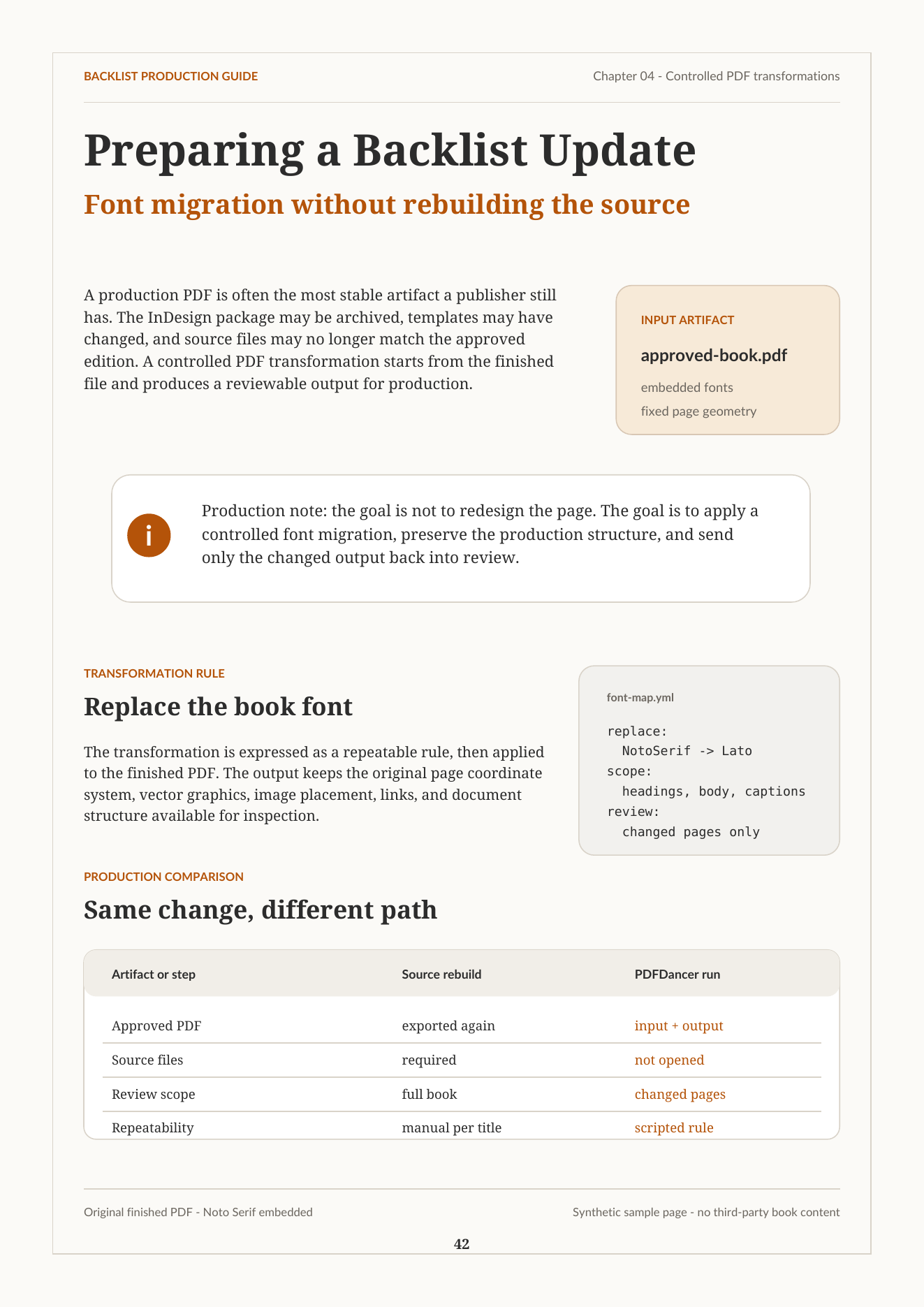 Example input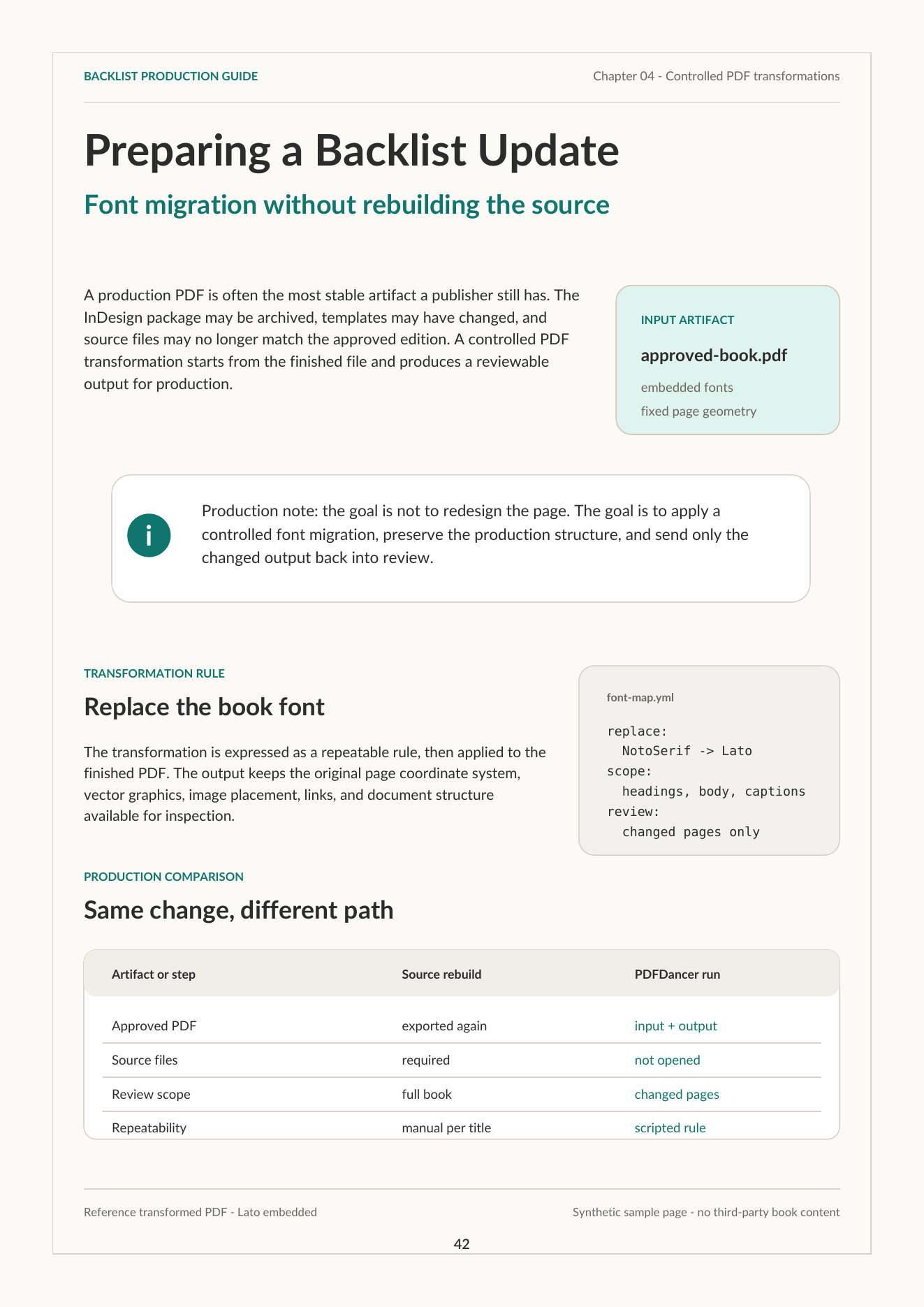
Source files and design tools are essential for creating PDFs. But after approval, production teams still need variants, layout-sensitive transformations, vendor handoffs, regenerated files, and QA-heavy review.
PDFDancer applies controlled changes directly to approved PDFs, checks the result, and lets workflows that prove out move into repeatable production.
Start with the finished file.
Define the text, mark, QR, font, or rule.
Apply the change directly to the PDF.
Check the output against the target.
Illustrative examples of finished PDFs becoming production inputs. Request a real PDF evaluation for measured output.
Use approved brochure, campaign, and sales PDFs as production inputs for controlled partner, client, campaign, and regional variants.
Generate controlled versions with partner names, URLs, offers, regional details, or disclaimers.
Let local teams receive approved market variants without sending each request back to design.
Use approved PDFs behind sales, partner, franchise, or internal collateral portals.
Illustrative variant pattern; actual output depends on the supplied PDF and replacement rules.
Want to try it? Try the collateral replacement toolon an approved PDF.
Apply layout-sensitive production changes to finished titles, then review evidence before scaling the workflow.
Run font migrations, imprint updates, publisher mark changes, and regional variants on finished titles.
Review transformed output with changed pages, before/after detail, checks, and notes.
Avoid broad source rebuilds when the finished PDF is the better production input.
Synthetic before-and-after illustration of a font change with page context retained.
Illustration only; not a measured PDFDancer run.
Send a representative finished PDF and the change you need. We will review the fit and suggest the next step.
PDFDancer reports what changed, where it changed, and which conditions affect the result. The checklist below illustrates the review shape; a real PDF evaluation produces measured findings.
Once a representative PDF and rule are understood, connect the workflow to the PDFDancer API, batch processing, or the deployment path that fits your operation.
For the broader category, read the PDF workflow automation guide.
Review text, font, object, diagnostics, and batch capabilities for production PDF processing.
Move a proven transformation into an API or language-specific integration when the workflow is ready.
Find the implementation details for fonts, editing results, and output-quality review.
Approved PDF changes where the finished file is the better starting point than rebuilding from source.
Manual PDF editing, freeform redesign, replacing layout tools, or generic template generation.